Find out if your email is landing in spam.
Gmail, Outlook and Yahoo now filter business email that isn’t set up correctly. Enter your domain and get a plain-English report card in seconds, with the exact fixes.
- Free, no signup
- Results in seconds
- We never touch your inbox
yourcompany.com scored 52 out of 100
- ✕DMARC missingFailed
- !SPF 9 of 10 lookups usedNeeds attention
- ✓DKIM signing key foundPassed
- ✓Mail servers Google WorkspacePassed
- ✓Blacklists not listedPassed
An example report. Yours shows the exact fix for each problem.
See how it works in about a minute.
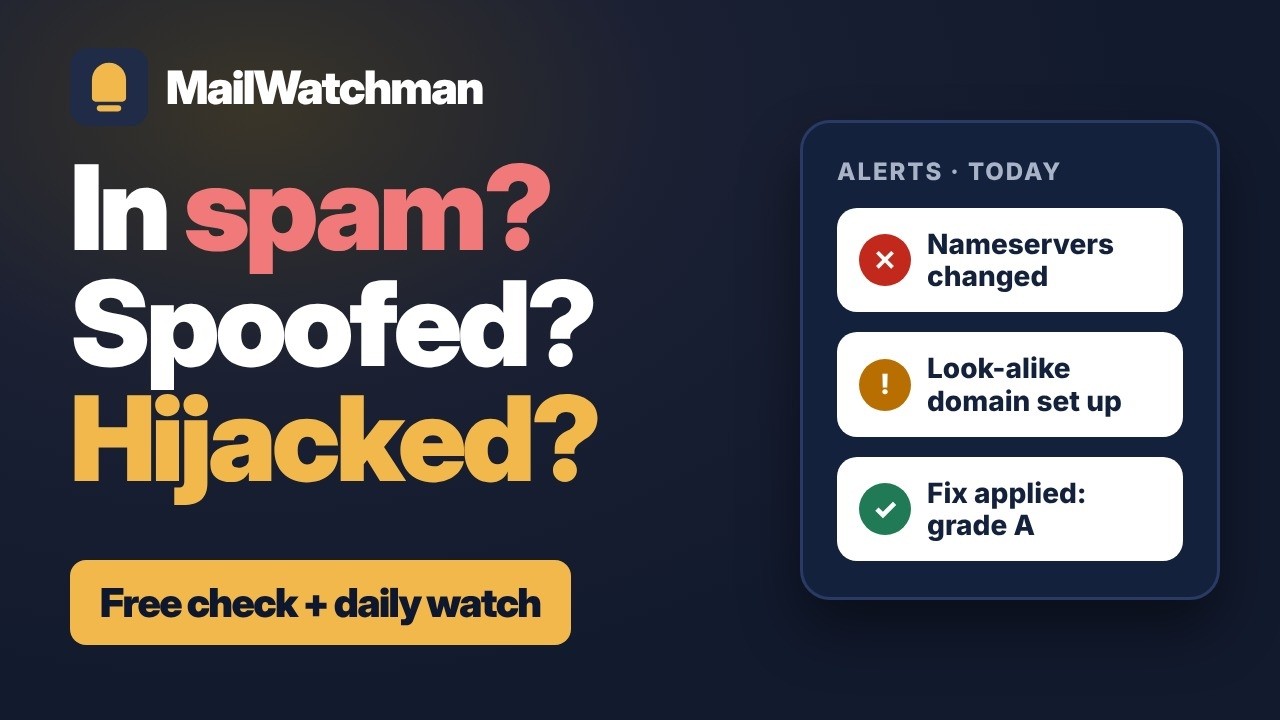
A quick tour: the free check and the exact fix, the email spam test and header analyzer, then what Watchman does every day. That means hijack and look-alike alerts, a record of every change, and a monthly report you can hand your insurer.
The video plays from YouTube. Nothing loads from YouTube until you press play.
Most businesses find out from a customer.
“I never got your invoice.” By then, quotes, replies and payment reminders may have been going to spam for weeks. These records break quietly, usually because of something that seemed unrelated.
You changed your website or email provider
A migration overwrites or drops a DNS record, and nothing warns you.
You added a new tool that sends email
A newsletter, CRM or invoicing app starts sending as you without being authorized, and its mail gets filtered.
Your domain lands on a blacklist
One compromised account or website form is enough. Most owners never hear about it.
Someone sends phishing in your name
Without DMARC enforcement, anyone can email your customers pretending to be you.
Five checks. One clear grade.
Every report covers what Gmail, Yahoo and Microsoft look at before deciding where your email goes.
SPF
Which servers may send as you, including the 10-lookup limit that silently breaks many setups.
DKIM
Whether your email is digitally signed, so receivers know it wasn’t forged or changed.
DMARC
Whether forged email using your name gets blocked, or delivered.
Mail servers
Whether your domain correctly says where its email should be delivered.
Blacklists
Whether your domain or mail servers appear on major spam blacklists.
Then test a real email.
Your DNS setup is half of it. Send us one real email, the kind you send customers, and in about a minute get a score out of 10 with a plain-English fix for each problem.
Authentication
Whether SPF, DKIM and DMARC actually passed when a real mail server received it.
Sending server
Whether the server that sent it is blacklisted or badly named.
Links
Blacklisted, shortened or disguised links that filters distrust.
Wording
The phrases, formatting and tricks spam filters look for.
Format
A plain-text version, a Message-ID, image-only email, risky attachments and the unsubscribe header.
No account: 1 test a day. Free plan: 3 a day. Watchman: 50 a day. Got a suspicious email instead? Check its headers.
How it works
No software to install and no access to your email. We only read public records anyone on the internet can see.
Check your domain
Type in your business domain and get your grade with a plain-English explanation of every result.
Fix what’s broken
Each problem comes with step-by-step instructions for your provider, whether that’s Google Workspace, Microsoft 365, Zoho or GoDaddy.
Let us keep watch
Free monitoring re-checks every week. Watchman re-checks every day and emails you the moment anything breaks or changes.
Simple pricing
For US businesses. Start free, with no card. Upgrade when you want to know the same day something breaks.
Free
$0 / forever
No card needed
For one business domain
- Full report card with provider-specific fixes
- Weekly check of your domain
- Monday email with your grade and anything that changed
- 30 days of change history
- 3 email spam tests a day
Watchman
$6 / month
or $60 a year, 2 months free
For one business domain
- Daily checks, including blacklists
- Instant email alerts with fixes
- Domain hijack watch: registrar, nameserver and transfer-lock changes
- Look-alike domain alerts, with how to get them taken down
- Domain and website certificate expiry warnings
- 13 months of change history, with before and after
- Monthly security report by email, with a link your insurer can open
- Alerts to your IT person or office manager too
- 50 email spam tests a day
Watchman Pro
$15 / month
or $150 a year, 2 months free
For up to 5 domains
- Everything in Watchman
- Up to 5 domains
- DMARC reports: every server sending email as your domain, and whether it passes
- Priority email support
The free plan needs no card. Paid plans are billed monthly, or yearly up front with 2 months free. Cancel anytime from your dashboard; your plan keeps running until the end of the period you’ve paid for. Payments are processed securely by Stripe, which adds any applicable sales tax at checkout. MailWatchman is available to businesses in the United States only.
Questions
Do you need access to my email?
No. The domain check reads only public DNS records anyone on the internet can see, and we never log in to your email. The email spam test works the other way around: you send us one email, we score it, then delete it, keeping only its headers and your results.
What’s the email spam test?
Send one real email to a test address we give you. In about a minute you get a score out of 10 covering authentication, the sending server, links, wording and format, with what to fix. Try it free.
I’m not technical. Will I understand the results?
That’s the point. Every result explains what it means for your business and exactly what to change, written for business owners, not IT departments.
Why would my email go to spam if I haven’t changed anything?
Since 2024, Gmail, Yahoo and Microsoft have required businesses to prove their email is genuine. Setups that worked for years can now fail, and records can break when a website, provider or tool changes.
What’s the difference between the free plan and Watchman?
The free check is a one-time snapshot. The free plan re-checks one domain every week and emails you on Monday with anything that changed, with no card needed. Watchman re-checks every day and emails you the moment something breaks. It also watches your domain’s registration for hijacking, warns you before your domain or website certificate expires, alerts you when someone registers a look-alike of your domain, keeps 13 months of change history, and emails you a security report each month with a link your insurer or auditor can open.
What’s domain hijack watch?
Whoever controls your domain’s registration controls your email and website. Every day we check who your registrar is, which nameservers your domain uses, and whether the transfer lock is on. If any of that changes, we look again a few minutes later to make sure, then email you the same day so you can act before customers notice.
Can you tell me if a suspicious email is really from who it says?
Yes, free. Paste the email’s headers into our header analyzer and see in plain English whether it passed SPF, DKIM and DMARC, which server really sent it, and warning signs like a reply address that goes somewhere else. Nothing you paste is stored.
What’s a look-alike domain alert?
Scammers register domains that are one letter off from yours (like rn instead of m, or yourcompany-billing.com) and email your customers from them, often with fake invoices. On the paid plans we look for newly registered look-alikes of your domain every day and tell you as soon as one appears.
What are DMARC reports?
Gmail, Microsoft, Yahoo and other providers send a daily summary of every server that sent email using your domain, and whether each one passed or failed. On Watchman Pro, you add our address to your DMARC record (your dashboard gives you the exact record to copy), and we turn those reports into a plain list: your real senders, any that are failing and need setting up, and anyone else sending as you. The reports never include your messages or who you emailed.
Who is MailWatchman for?
Small businesses in the United States. The free plan, the paid plans and the optional DNS fix from Ron’s IT Solutions are available to US businesses only.
Can I cancel anytime?
Yes, from your dashboard. Monthly plans have no contract. Yearly plans renew each year; if you cancel one, monitoring continues until the end of the year you’ve paid for, and the unused part isn’t refunded.
Find out in seconds if your email is at risk.
Free, no signup, nothing to install.